Advanced Graphic Design & Motion Graphics Course
Master Graphic Design + Motion Graphics with studio-style training at Vinci Studio
Campus: Web D School, Chennai | Online: Available across India
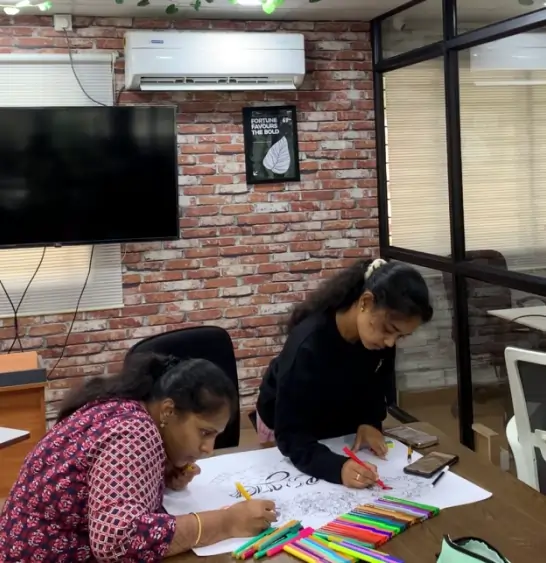
You won’t just learn in a classroom. From Day 1, you train inside Vinci Studio.
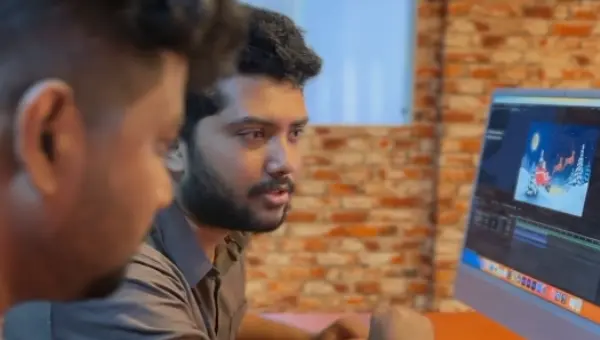
At Vinci Studio, our graphic design course in Chennai uses MaxEdge to recreate real agency environments. Every project is reviewed using professional studio standards.
- Studio-style briefs — not random assignments
- Professional feedback on thinking & execution
- BRIDGE framework to explain design decisions
- Portfolio that shows process + results
The Result
In interviews, you don't just show visuals — you explain decisions like a professional designer.
Our Placements
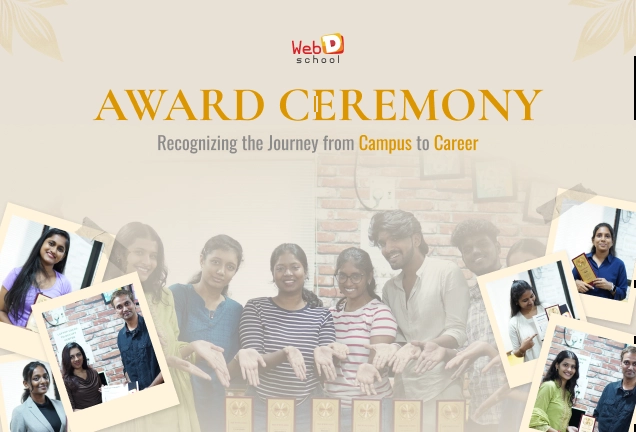
After completing our Graphic Design Course in Chennai, students have secured roles as Graphic Designers at reputed companies.

Krithya
Graphic Designer


Bhuvaneshwaran
Graphic Designer

Karthikeyan
Graphic Designer

Kathirvel
Graphic Designer


Ragul
Graphic Designer

Prabhu
Graphic Designer

Praveen Kumar
Graphic Designer


Divya
Graphic Designer


Ramesh
Graphic Designer


Ravindran
Graphic Designer

Why Choose Web D School’s Graphic Design + Motion Graphics Course in Chennai?
If you’re serious about becoming a high-performing visual designer, you need training that goes beyond software and prepares you for real creative and industry challenges.
At Web D School, our Graphic Design + Motion Graphics course helps you:

Master real-world design & motion skills
Learn branding, visual communication, layout design, typography, video basics, and motion graphics using industry-standard tools.

Build strong visual & storytelling thinking
Understand why a design works—how visuals communicate emotion, clarity, and brand intent across static and motion formats.

Integrate AI into creative workflows
Use AI tools to speed up concept ideation, visual exploration, and motion planning—without compromising originality.

Get inducted into Vinci Studio as a Junior Apprentice
Become part of Vinci Studio’s training ecosystem, where you work on studio-style briefs and real creative workflows.

Learn from industry-experienced mentors
Get guided by designers and motion artists who have worked with top agencies, studios, and production teams.
Learning in Action
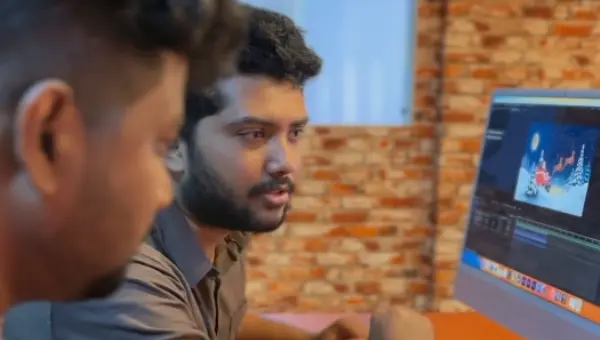
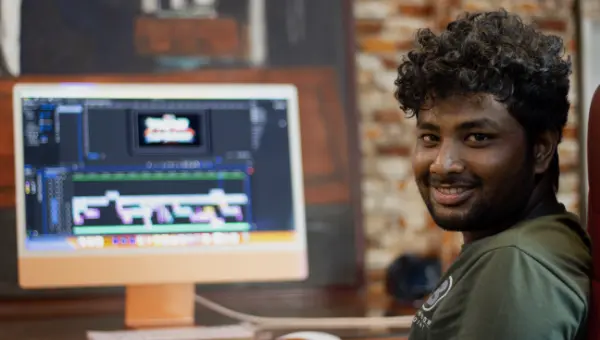
Learning curve videos about our graphic design course.
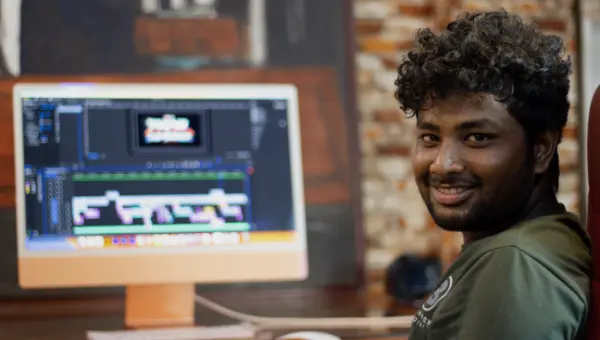
Watch short videos showcasing our Graphic Design course in Chennai, teaching style, and real student projects.
Program Overview
Duration
5 Months
Sessions
60 Sessions (90 mins each)
Mode
Campus (Chennai) or Online
Schedule
Alternate days + Weekend options
Studio Access
Unlimited lab hours for campus students
Tools Covered
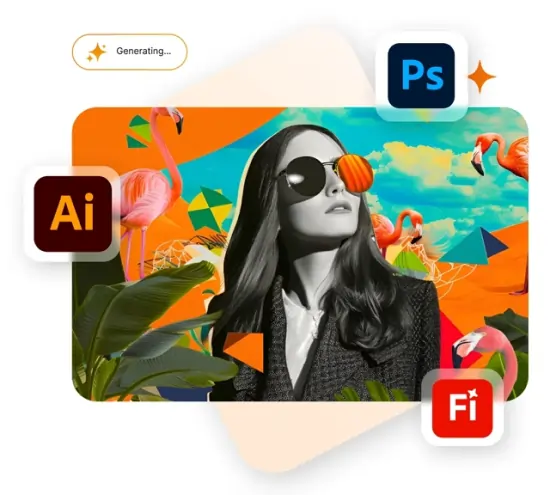
“Master the exact tools used by professional graphic designers in agencies, startups, and freelance projects. This graphic design course covers Adobe Creative Cloud, AI design tools, and modern creative platforms to make you job-ready.”
-
Adobe Photoshop
-
Adobe Illustrator
-
Adobe Indesign
-
Adobe Lightroom
-
Adobe Premiere Pro
-
Adobe After Effects
-

Figma
-
Canva
-
Adobe Firefly
-
Midjourney
-

ChatGPT
-

Gemini
-

Veed.io
-

Runway ML
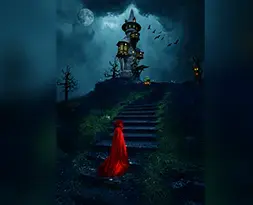
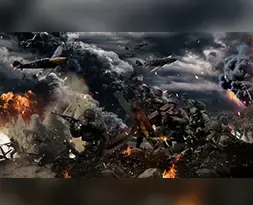
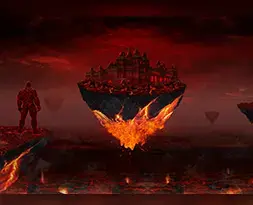
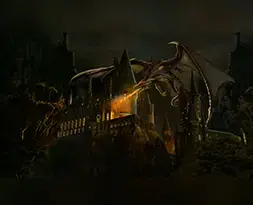
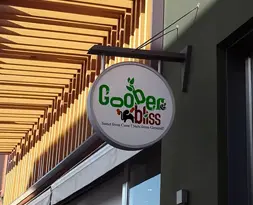
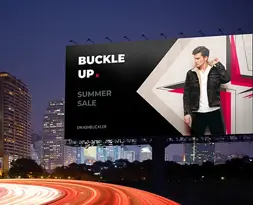
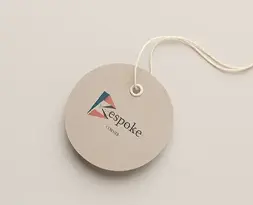
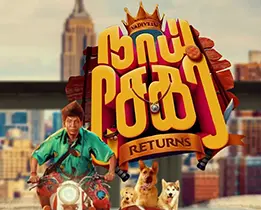
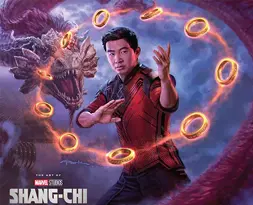
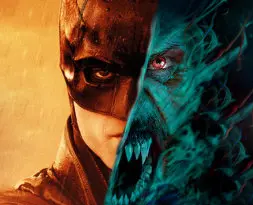
Designing works of our Graphic Designing Students
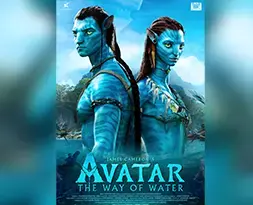
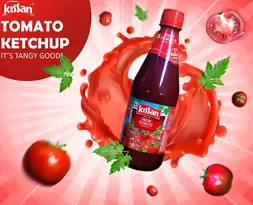
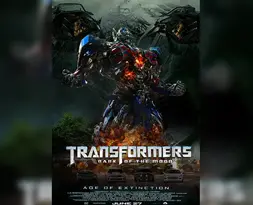
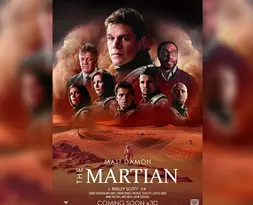
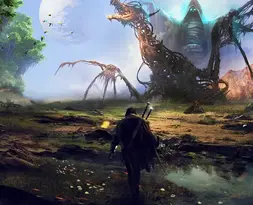
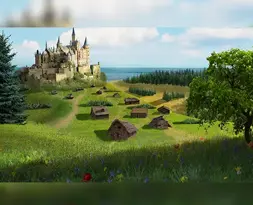
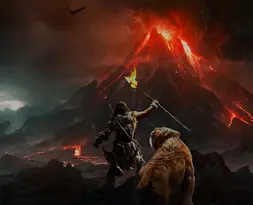
Explore real-world design projects crafted by our Graphic Designing students, showcasing creativity and practical skills.


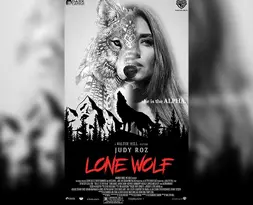
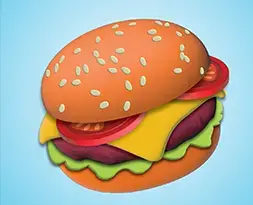

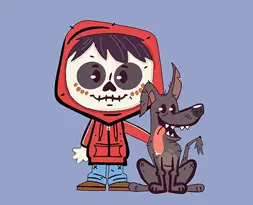


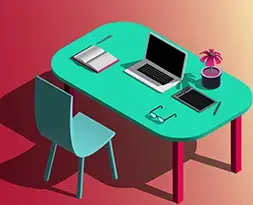

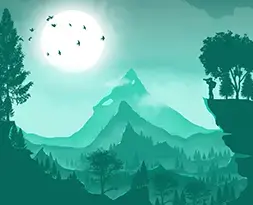

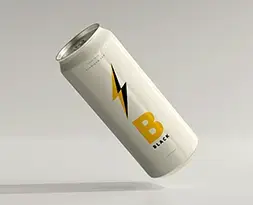
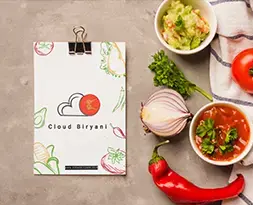
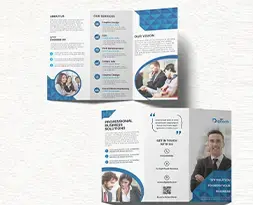

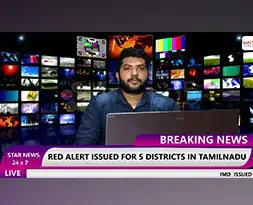
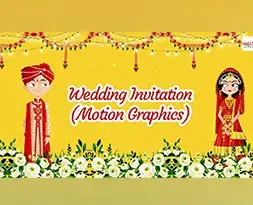
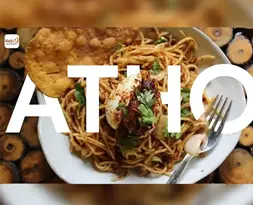
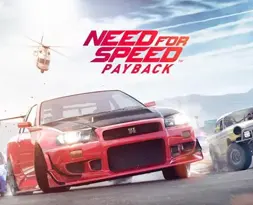
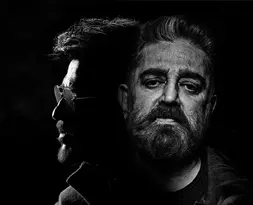
Full Course Curriculum
Graphic Design — Program Structure
6 phases · 14 modules, from foundational design thinking through freelance-ready career launch.
Module 01Visual Design Foundation
- Visual design elements & principles
- Typography hierarchy & pairing
- Composition & layout grids
- Color psychology & mapping
- Visual hierarchy & attention
- Mood boarding & trend research
- Design thinking & communication
Module 02SPARK™ + BRIDGE™ Frameworks
- SPARK™ creative thinking framework
- BRIDGE™ strategic design framework
- Problem framing & discovery
- Design decision-making systems
- Creative evaluation & feedback
- Design rationale & presentation
- Strategic thinking before execution
Module 03Adobe Photoshop & Digital Imaging
- Professional retouching & enhancement
- Layer masking & blending
- Non-destructive editing
- Photo manipulation & compositing
- Color correction & grading
- Advertising & social creatives
- AI-powered editing & generative fill
- High-impact campaign & poster design
Module 04Photography & Prompting
- Product photography & lighting
- Visual storytelling through photography
- Prompt engineering for images
- AI image creation & consistency
- Creative direction for visuals
- Campaign moodboards & references
- Hybrid AI + human workflows
Module 05Adobe Illustrator & Brand Design
- Vector illustration & shapes
- Logo design systems
- Typography for branding
- Icon design & symbols
- Packaging & product branding
- Infographic design
- Brand guideline systems
Module 06Branding, Strategy & Social Media
- Brand positioning & differentiation
- Campaign strategy & direction
- Consumer psychology
- Content planning & social systems
- Art direction for campaigns
- Multi-platform brand communication
- Integrated campaign development
Module 07Adobe InDesign & Editorial Design
- Editorial layout systems
- Grid structures & rhythm
- Magazine & brochure design
- Multi-page document production
- Information hierarchy & structure
- Print production & prepress
- Digital publishing formats
Module 08Adobe Lightroom & Photo Editing
- RAW image processing
- Color correction & grading
- Portrait & product retouching
- Presets & batch editing
Module 09Canva & AI-Powered Content Creation
- Social & marketing design
- Brand kits & templates
- Canva AI & Magic Studio
- Team collaboration & publishing
Module 10Professional Video Editing
- Video storytelling & structure
- Timeline management & workflows
- Audio editing & sound design
- Color grading & LUTs
- Motion effects & transitions
- Green screen compositing & VFX
Module 11Motion Graphics & Animation
- Motion design principles
- Keyframing, easing & curves
- Kinetic typography
- Motion tracking & compositing
- Character animation & rigging
- 3D camera & cinematic motion
Module 12AI-Powered Design & Workflow
- AI image generation (Midjourney, Firefly)
- AI prompting (ChatGPT, Gemini)
- AI image editing & enhancement
- AI video creation (VEED, Runway)
Module 13Figma, UI Design & Prototyping
- Interface design & UI foundations
- Wireframing & information architecture
- Auto layout, components & variants
- Responsive design & grids
- Design systems & libraries
- Interactive prototyping
- Mobile, web & dashboard design
- Client handoff workflows
Module 14Freelancing, Clients & Opportunities
- Client acquisition strategies
- Proposal writing & presentations
- Pricing & project scope
- Portfolio positioning & branding
- Freelancing & income diversification
- Client & stakeholder communication
- Creative entrepreneurship fundamentals
Placement Record
Showcasing the top companies where our students have been successfully placed.


Your Progression Path
You get to work on these Projects & many more
You’ll build real-world projects like these and more throughout the course.

Image Compositing
Learn to combine visual elements from separate sources into single images.
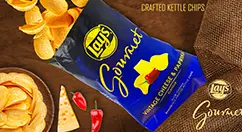
Ad/Movie Poster
Learn how to create stunning movie posters for popular movies using your creativity and style.
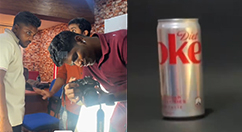
Product Photography
We provide the equipment required to shoot and edit your product commercial.
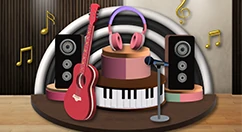
3D Illustrations
A 3D illustration is one of the biggest design trends that must be added to your portfolio.
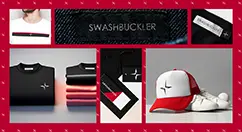
Branding
Learn how to create a strong, lasting, positive perception of a company.
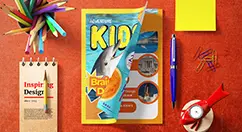
Magazine layouts
Learn how to representation of the content that encompasses the entire publication.
Gif Animation
Learn to create short video loops and GIF animations for digital advertisements.
Video Ads
Use our shooting equipments & green matte studio to create stunning video ads.
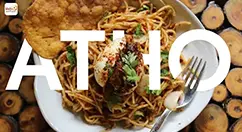
Vlog
Create engaging visual content for social media to boost your brand visibility through vlogs.
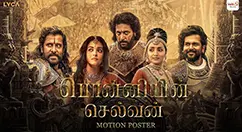
Motion Posters
Learn how to make movie promos using the motion graphic technique.
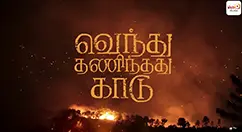
Title Animation
Create animated title effects for movies & web series using the tools taught.
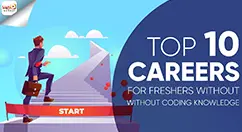
Explainer Videos
Learn how to make impactful product explanation videos for corporates.

Product Ads - AI
Learn to shoot pictures with a product & create an advertisement using designing & AI tools.
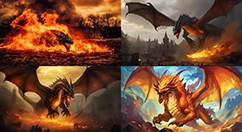
Brand Mockup - AI
Learn how to use AI tools to build amazing brand mockups that stand out.
What Changes in a Graphic Design Interview
Most graphic design candidates answer like students.
Vinci Studio–trained designers answer like working professionals.
INTERVIEWER ASKS
"Explain this design to me."
YOU USE BRIDGE
Objective → Target Audience →
Communication Goal → Visual Decisions
You don’t start with colors and fonts. You explain what the design is meant to achieve and who it’s for.
INTERVIEWER ASKS
"Why did you design it this way?"
YOU USE BRANDLENS360
Brand positioning, user perception,
market competition, usage context.
Your answer shows design logic — not personal taste or trends.
INTERVIEWER ASKS
"Present your project."
YOU USE PPR
Problem → Visual Perspective → Result
What was the brand problem? How did visuals solve it? What changed after the design?
Client-ready. Interview-ready. From day one.
This is why your portfolio becomes interview-convincing, not just “good looking.”
Why: Directly connects studio training to real placement outcomes using actual interview behavior.
Our Course Highlights
At Web D School, we go beyond traditional visual Design courses by offering real-world, hands-on learning designed for career success. Here's what makes us different:
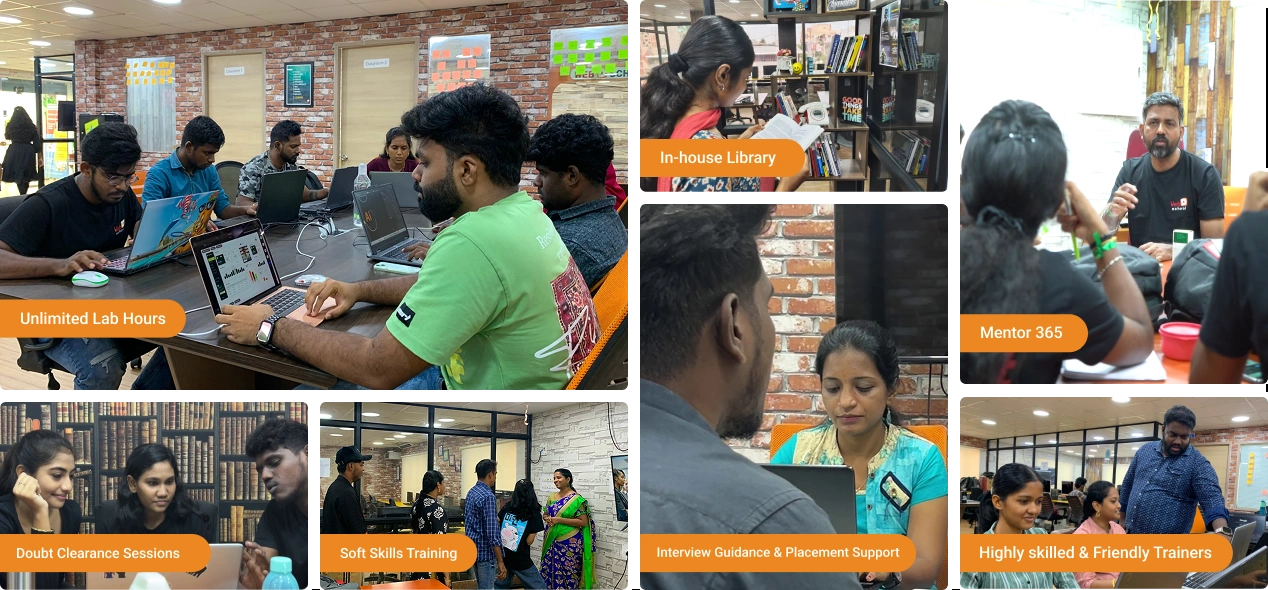
Career Outcomes
Career advantage: Strong graphic design + motion graphics portfolios often open more creative roles and faster career growth — exact outcomes vary by effort, portfolio quality, and market conditions.
Graphic Designer
Visual Designer
Motion Graphics Designer
Interaction Designer
Brand Designer
UI Designer
Information Architect
Placement Support
What We Provide:
- Professional portfolio development
- Resume building and optimization
- Mock interviews with expert feedback
- Direct connections to 200+ hiring partners
- Interview preparation workshops
- Salary negotiation guidance
What Our Students Say
Hear from our students about their journey of support, learning, and growth

Deepan TPK
Graphic Design
★★★★★
I joined Web D School with zero knowledge of graphic design, but by the end of the course I gained strong, practical skills in design software and a thorough understanding of the complete creative process.

Adeep Darren
Graphic Design
★★★★★
I joined Web D School for the Graphic Design course. The learning environment here is supportive and encouraging, and the trainers ensure we build a strong foundation starting from the basics.

Vignesh S
Graphic Design
★★★★★
I enrolled in Web D School’s Graphic Design course, and the supportive environment makes learning enjoyable. The training starts from the basics, which really helped me build confidence.
Deepan TPK
Graphic Design
★★★★★
I joined Web D School with zero knowledge of graphic design, but by the end of the course I gained strong, practical skills in design software and a thorough understanding of the complete creative process.
Frequently asked questions
Everything you need to know about our courses and placements, made simple. Start your journey at Web D School with confidence.
No. We start from the fundamentals. Prior interest in visual creativity helps, but no previous design experience is required.
No. You can choose to focus only on graphic design. However, motion graphics is strongly recommended for better career opportunities.
Vinci Studio is MaxEdge’s studio-style training environment where students work using professional frameworks and review standards. It is not employment — it is an apprenticeship-style ecosystem designed to prepare you for real agency work.
In the first 3 months, you work on simulated studio briefs designed for training. After that, the top 10–15% performers may be promoted to Studio Interns and become eligible to contribute to selected internal brand projects. This is performance-based and not guaranteed.
Regular Training: Assignments, grades, generic feedback.
Vinci Studio: Professional briefs, approval & revision cycles, framework-based reviews, and portfolio built to agency standards. This difference becomes clear in interviews when you explain your work using professional language (BRIDGE), not just visuals.
Campus training for the graphic design course in Chennai offers physical studio access, in-person mentoring, and classroom collaboration. Online training follows the same job-oriented curriculum, delivered through live instructor-led sessions with remote feedback.
No institute can guarantee jobs. We provide strong training, a professional portfolio, and dedicated placement support. Final outcomes depend on the quality of your work.
Related Videos
Ready to Start?
This program begins with career clarity, not blind enrollment.
Our counselors will help you understand
If studio-style training matches your learning style
Which track (campus / online) suits your situation
What the realistic time commitment looks like
How the progression path works
No pressure. No spam. Just honest guidance.